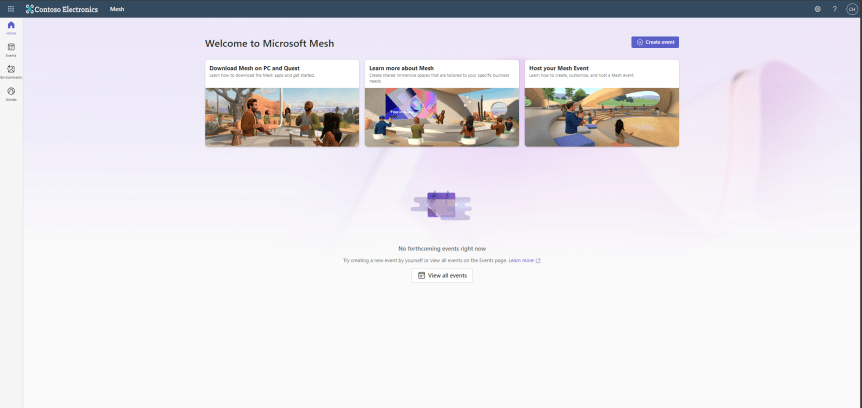
Last week, a cocktail of corp work and Airlift meant I had to skip my usual sunday night blog spot: but having swallowed much of that the last few days I am keen to get back on it and pick up where we left off with Microsoft Mesh. Previously we took a first glance at Immersive Spaces and how these could be accessed through a Microsoft Teams Meeting whether that meeting were scheduled or ad-hoc. We looked at the features. We looked at the pre-reqs. How you can transition between the different environments. All up? It was a good experience. And one that I happily relayed back to my good friend Vesa [Nopanen] since Vesa is, after all, Mr Metaverse. It really did improve my opinion of metaverse within the Microsoft 365 ecosystem. And I'm sure we'll see loads more development and innovations over the coming months and years. But Today? I'm going to pivot and setup an event through the Microsoft Mesh portal itself. That's right - there is a Mesh Portal. And there is a Mesh App too. And whilst I know that to be able to set up Mesh events (as in standalone Mesh Events independent of Microsoft Teams Meetings) you'll need a Teams Premium Licence as you need the said licence to be able to access this portal. Now, I haven't attempted to set one up prior to this blog. I have been too bogged down and stuck in the mud on the other commitments to my own business and to Microsoft which are both long and various. So its a good old fashioned exploratory today. And since Mesh is in public preview I am just going to be upfront and state that I don't know - nor have any insider knowledge - whether Premium will be the minimum licencing requirement for the Mesh Portal and the ability to set up Mesh Events in the future. Maybe it will. Maybe it won't if it fails to encourage adoption and usage. As always time will ultimately tell - but since the Mesh Portal probably won't look anything like it does today a year from now, it's a good time to get stuck in early.

 @Microsoft365Pro