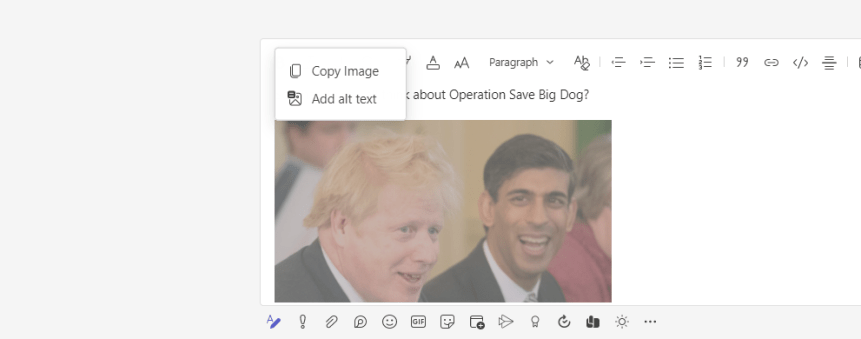
I have a lot to look forward to this week. Having just finished Global Power Platform Bootcamp 2022, Canadian Cloud Summit 2022, a Job Task Analysis for MS-900, having delivered MS-900, SC-900, Teams Phone and many other things besides, I look forward to a week of nothing - as in nothing in particular, nothing time sensitive hanging over my head like the proverbial sword of Damocles. Of course, there is always Teams Nation - and things could always change by Tuesday, but the outlook - by and large, is sunny. Now, there's a feature which has just dropped into Teams GA this week which you may have not even noticed has been added. I did. This is because I've been aware of it for about the last two months so I've been checking the 3.6 every week when I've come to write a blog. It's a small but vital add. It's an accessibility add so I feel I have an obligation to call it out. I won't harp on about how my appreciation for accessibility features within Microsoft 365 have grown over the years - and admittedly I am still learning to use them more consistently with others - but needless to say there are 1 billion people in the world who live with a disability so its really quite essential that the tech we use must be designed for, and embrace those with a sight or an aural disability, those who are neurodiverse (E.g. dyslexic), those who have learning difficulties, mobility difficulties such as dyspraxia, or those who live with mental health conditions with depression, anxiety or ADHD. So in addition to what's already available today, I was really happy to see Alt Text for Images in Teams finally ship - although at the current time it seems to only be in GA/Preview for Private Chats. Channel conversations aren't there yet. Still, it's a start. So what is Alt Text? How do we apply it?

 @Microsoft365Pro