
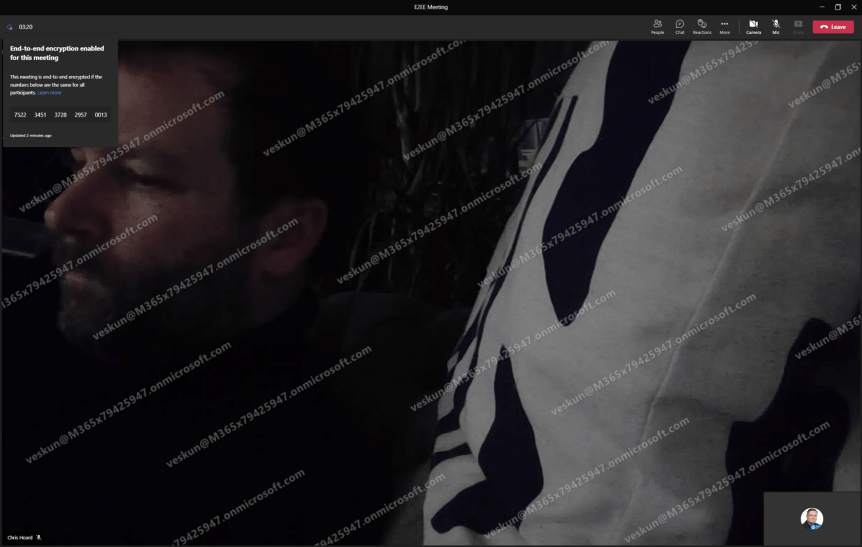
Following yesterdays blog on Watermarking let's turn to another premium feature. End to End Encryption (E2EE) has been around for 1:1 VOIP calls for a while. I once did a blog on it. I even spoke about it a few times including at aMS Lausanne where I covered how to implement it, the caveats, and how DTLS over SRTP worked. So, with the coming of Teams Premium, we now have E2EE for Meetings. Excellent. And like VOIP calls caveats do apply. Let's run through them. Number 1:Like VOIP calls, E2EE for Meetings only covers real time media. In other words, only audio and video and screen sharing are encrypted at the source and decrypted at the destination without any nodes or parties decrypting/re-encrypting in between. Everything else – chat, files, avatars, reactions, Q&A presence, are not end to end encrypted. - however importantly these other things are still TLS encrypted as part of the standard service encryption. This is a question you may be commonly asked, and it confuses people because what is EE2E and what is not E2EE is on the same screen, in the same app. Number 2: Like VOIP calls, in an E2EE meeting many familiar features will be unavailable to you - no together mode, or live captions, or recording or breakout rooms, or CART options, or language interpretation. This is minimalist meeting designed for private communications which, like VOIP calls it also nixes compliant call recording and all orgs/users who use CCR because the compliant call recording can't access what it needs and EE2E will not override this compliance requirement. Number 3: Unlike when VOIP calls were first introduced, this can be managed in the TAC. Number 4: Like VOIP calls, E2EE isn’t enabled even after enabling it in the TAC - it requires enabling in the meeting options but good news is that unlike VOIP calls you don't have to enable it in the client settings, and you can auto-enable it via Teams Meeting Templates and Sensitivity Labels. Number 5: Its available between two parties when the parties are using the latest version of the Teams desktop client for Windows or Mac, they are on a mobile device with the latest update for iOS and Android, or they are on a Teams Rooms on Windows device using the latest update and the mobile app. It’s not currently supported in web, nor VDI. So this is a continued phasing out and pretty consistent with the VOIP experience. One final thing - the meeting organiser, the one who schedules the E2EE meeting needs Teams Premium: not everyone needs a Teams Premium licence
Tag: Microsoft Teams E2EE
Teams Real Simple with Pictures: Let’s deploy End to End Encryption (E2EE) for 1 to 1 VOIP Calls
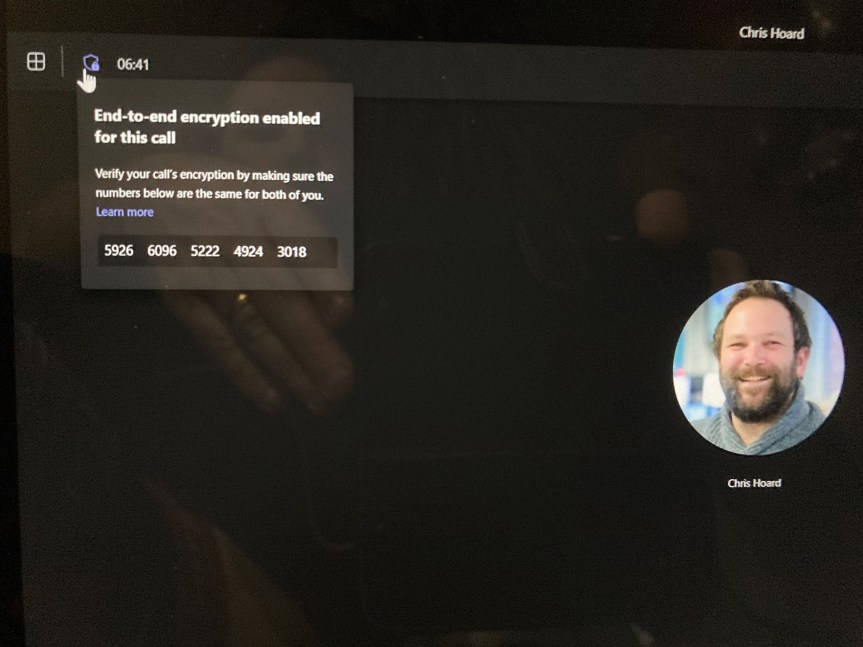
Christmas has seemed to come around mega fast this year. It's three weeks today. Hopefully, you've already done your shopping by now and have a week or two off to enjoy the festivities. I had some time today to sit down and watch Elf with my son. This'll begin a marathon of Christmas movies which will include The Santa Clause, Miracle on 34th Street, Home Alone and my personal favorite It's a Wonderful Life. I'm also pretty sure we'll all see the time honored question-slash-poll go up on social - 'Is Die Hard a Christmas movie?' or gif's of John McClane - 'yippe ki yay mother...'. Of course, I hope it all goes well for you this year. One present which has arrived early for all us Microsoft Teams fans is End to End Encryption (E2EE). Announced at Ignite back in the spring, the public preview is finally here. However, before we suddenly break out the eggnog and get a bit rowdy on those calls we have to understand a few things right off the bat.
 @Microsoft365Pro