

2023 is almost over. Almost. And if you haven't already left for your Christmas vacation? I can only hope you are starting to wrap it all up for the break. I know I am. The ebbing off at work is a great opportunity to catch up or pack in some fun stuff, and for me one of those things is getting personally reacquainted with Microsoft Teams which is changing rapidly having shipped some great new adds into 2.1. Last time, we looked at personal invites to everyone in a channel meeting which was a big gap that was finally filled. This time, we'll look at a new channel creation experience, as well another new experience giving admins the ability to create frontline teams using Microsoft Entra attributes right through the TAC. Why are these things so valuable? In terms of the new channel creation experience its an easy-to-hand, highly visible way of creating a channel and yet it's also a strategy for curbing the creation of Teams. If people don't have to scroll 20 teams down to create a channel in a specific team then they are - probably - more likely to do so. In terms of the frontline teams experience this is a wizard blending Dynamic Membership in Microsoft Entra ID and Teams Templates. Perhaps its an elephant in the room - but creating teams, adding every user and every app manually can take time. Maybe it's too much time when you have hundreds to teams to manage where many of those teams need to be simple, standardised and purposeful to audiences who typically need a focused team and set of apps. So let's see how we go.
Tag: Teams Channels
Teams Real Simple with Pictures: Channel Pinning
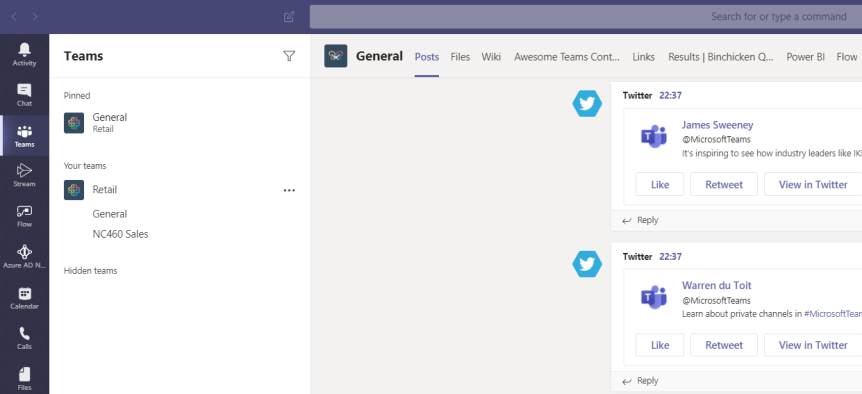
Members of the team will use particular channels more than others. Their activity and interests will likely focus upon a handful, and there are others that they will very seldom use or engage with. This is because, like Teams, users won't use channels equally. There can be many reasons for this - role, the channel subject, engagement in other channels and what the team member feels is splitting focus. With the growth of Teams and channels within organisations and the issue of sprawl, it is important for the member of the Team to be able to quickly and easily access the channels they need which are important to them. It may also be important in terms of visually seeing when a new post has hit that channel. A great way of accomplishing both these things is the ability to pin the needed channels as required
 @Microsoft365Pro