
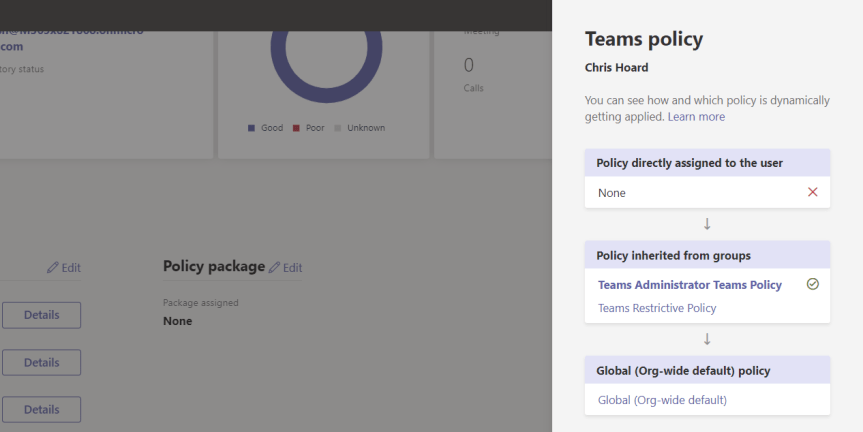
Ignite is over! It went by so damn fast! And getting to the end of the week it was - admittedly - really tempting to do a blog regarding all of the new functionality which is incoming into Microsoft Teams. However, since there are loads of these blogs at the moment, and since I'll be covering them as they come into play anyway, I thought I would focus in on a nice add which I saw has surfaced recently in the TAC called Group Policy Assignment. Group Policy Assignment allows you to manage Teams policies at scale, applying them to many users based upon membership of a group. This could be the underlying Microsoft 365 group of a Team, this could be a security group, it could even be a distribution group. Now, when you consider it could be any kind of group then this becomes quite powerful. You could, for example, use policies alongside dynamic group membership. Or you could apply policies for specific roles or hierarchies. And the beauty of all this is that you no longer have to do it all by assigning policies directly to specific users. Simply by adding a user, for example, to a specific security group they can have all their policies assigned in one go. By using Powershell, you could add hundreds of users to the same security group and all of their policies - from messaging to meetings - would be assigned and ready to go in a matter of minutes
Category: Microsoft Teams
Microsoft Ignite 2020: My Sessions, 10 for Teams and Everything Else I’d Recommend

It seems bizarre that Ignite 2019 was only ten months ago. So much has happened. The world has changed. And yet - it seems like only yesterday I was getting on that bus heading down to the OCCC to speak for the first time. Now, all things considered what struck me the most - the insight if you will - was that Ignite is more about people than about tech. What? Ignite? The biggest Microsoft tech conference of the year? Yes. You see the thing is, past the tech each and every one of us are all in this together. We love technology. We love, as technologists, figuring things out and seeing things work. We love delivering and bringing to life technology which will make businesses more secure and more productive whilst making the lives of our colleagues and friends, and users a little easier. And whilst Ignite 2020 won't be in person - a shame because I loved the thought of meeting up with everyone in the French Quarter of New Orleans for some gumbo, it'll be just as personal. This event is for you. You are part of a community of millions coming together from every country and continent on the planet
Microsoft Lists: Reporting on shared Lists and List Items created through Teams and the Lists Web App
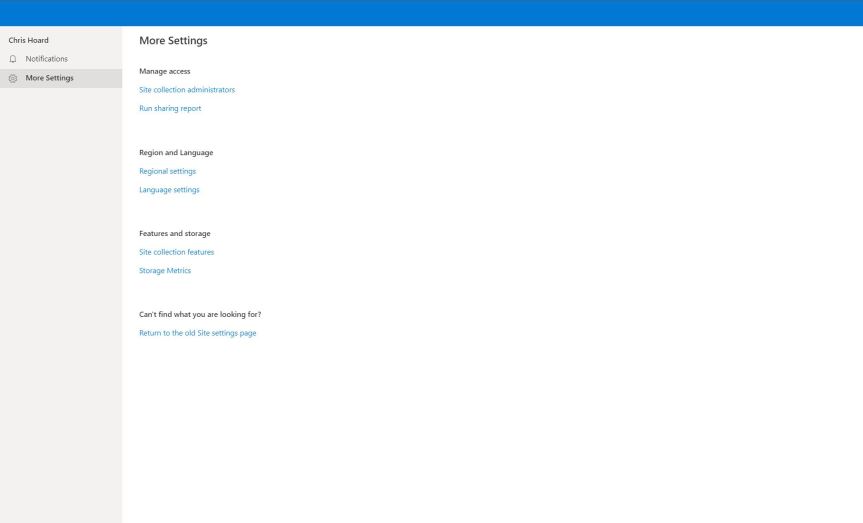
TeamsFest is only a few weeks away. It's coming around so fast and one of the jobs I did during the week was spin up a list in the Team so that speakers could easily access their session. It had their track, it had their time and their moderator. It felt nice putting it in as a tab. It looked good and felt good. But one of the things I was thinking about now I have started to use Lists in anger is how can get I a report on who I have shared a list with. I wrote about how to share Lists and List Items in both the web experience and Teams but now imagine the scenario that I have a few dozen lists and that I collaborate on these inside and outside the organisation. How could I tell who I shared those with? Especially after a month or two where albeit best intentions, I doubt I am keeping track. It's really important to review this from time to time both in terms of administration and security. Yet one of the things we must understand is this difference between personal lists and teams lists because lists are stored in different places - and yes, yes I know its ultimately all SharePoint, but this determines how we find our sharing reports

Teams Real Simple with Pictures: Microsoft Teams Loves Microsoft Lists Pt 1
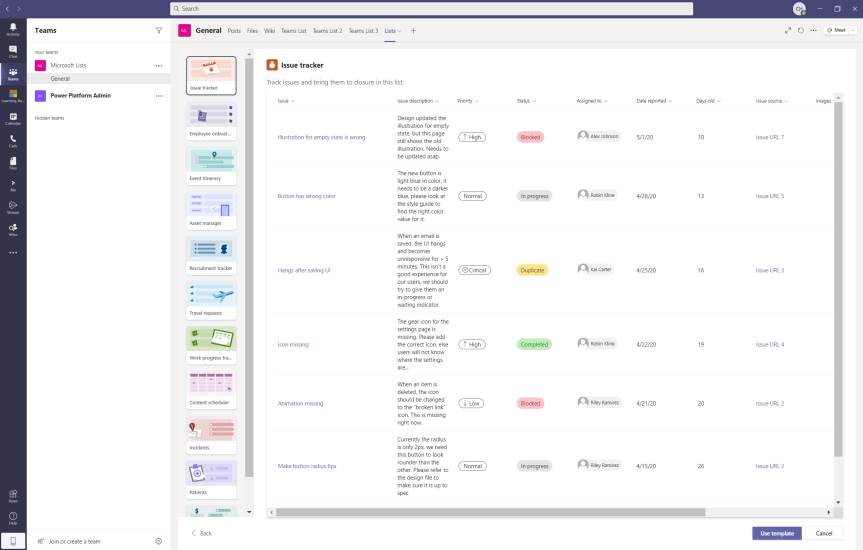
When Microsoft Lists was announced back at Build in May 2020, it was also announced that in addition to the core web app experience Lists would have both its own dedicated mobile app and be integrated with Microsoft Teams. Well, that integration with Teams has arrived. As of 03/09/2020 the Lists app was showing in Ring 4 (GA) and this blog will merge a previous series I wrote about the core web app experience called Microsoft Lists Fundamentals into The Teams Real Simple with Pictures series

