
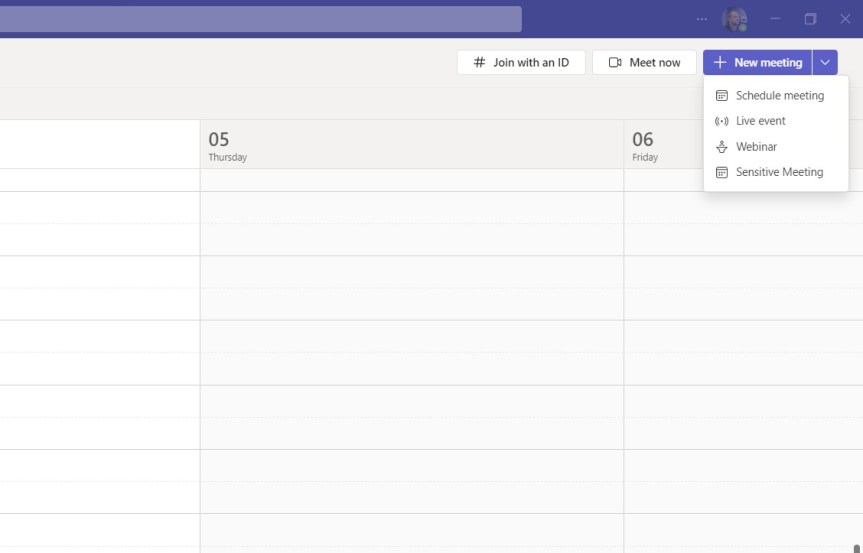
So the previous blogs were on Watermarking and End to End Encryption in Teams Premium: and these explored how we configure them and use them in meetings. Now we move on to another feature of Teams Premium to which they both feature which is Custom Meeting Templates. Meeting Templates are groups of preconfigured meeting settings which are templated and named for meeting organizers to use. For example: a 'Confidential Meeting' template could consist of Watermarking being on, End to End Encryption being on, Meeting Chat being off and so on and so forth. In the Teams Admin Centre, there are Default Meeting Templates such as Webinars or Virtual Appointments that any organisation can use - you don't need Teams Premium for these and more will turn up later such as Town Hall and Protected Meeting. However, a Teams Premium Licence gives us the ability to create our own, and set them in a policy for your users to use. Why would we want to create our own meeting templates rather than them being out the box? There could be several reasons - it could be for compliance, or if a part of the business wants a broader set of meeting types. Templates in themselves have the benefit of not having to create meetings, and then immediately follow up with having to amend the meeting options. I can speak of this from personal experience. So let's go build a Custom Meeting Template and publish it out to our users. But before we do, we must know that there can be a max of 50 custom templates, which I imagine is more down to custom templates for specific business units as opposed to combinations of settings, and that for the custom template may be visible in the calendar app it could be a 24 hour wait.
Teams Real Simple with Pictures: End to End Encryption in Meetings with Teams Premium
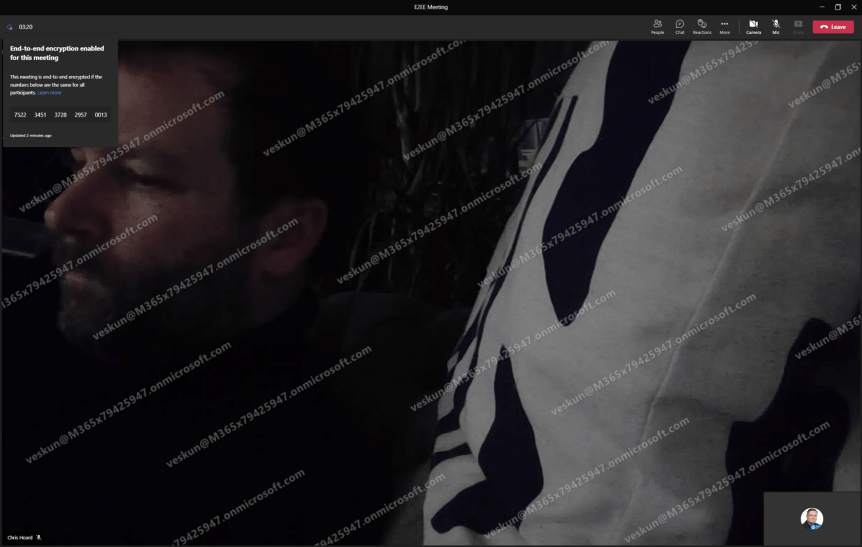
Following yesterdays blog on Watermarking let's turn to another premium feature. End to End Encryption (E2EE) has been around for 1:1 VOIP calls for a while. I once did a blog on it. I even spoke about it a few times including at aMS Lausanne where I covered how to implement it, the caveats, and how DTLS over SRTP worked. So, with the coming of Teams Premium, we now have E2EE for Meetings. Excellent. And like VOIP calls caveats do apply. Let's run through them. Number 1:Like VOIP calls, E2EE for Meetings only covers real time media. In other words, only audio and video and screen sharing are encrypted at the source and decrypted at the destination without any nodes or parties decrypting/re-encrypting in between. Everything else – chat, files, avatars, reactions, Q&A presence, are not end to end encrypted. - however importantly these other things are still TLS encrypted as part of the standard service encryption. This is a question you may be commonly asked, and it confuses people because what is EE2E and what is not E2EE is on the same screen, in the same app. Number 2: Like VOIP calls, in an E2EE meeting many familiar features will be unavailable to you - no together mode, or live captions, or recording or breakout rooms, or CART options, or language interpretation. This is minimalist meeting designed for private communications which, like VOIP calls it also nixes compliant call recording and all orgs/users who use CCR because the compliant call recording can't access what it needs and EE2E will not override this compliance requirement. Number 3: Unlike when VOIP calls were first introduced, this can be managed in the TAC. Number 4: Like VOIP calls, E2EE isn’t enabled even after enabling it in the TAC - it requires enabling in the meeting options but good news is that unlike VOIP calls you don't have to enable it in the client settings, and you can auto-enable it via Teams Meeting Templates and Sensitivity Labels. Number 5: Its available between two parties when the parties are using the latest version of the Teams desktop client for Windows or Mac, they are on a mobile device with the latest update for iOS and Android, or they are on a Teams Rooms on Windows device using the latest update and the mobile app. It’s not currently supported in web, nor VDI. So this is a continued phasing out and pretty consistent with the VOIP experience. One final thing - the meeting organiser, the one who schedules the E2EE meeting needs Teams Premium: not everyone needs a Teams Premium licence
Teams Real Simple with Pictures: Watermarking with Teams Premium
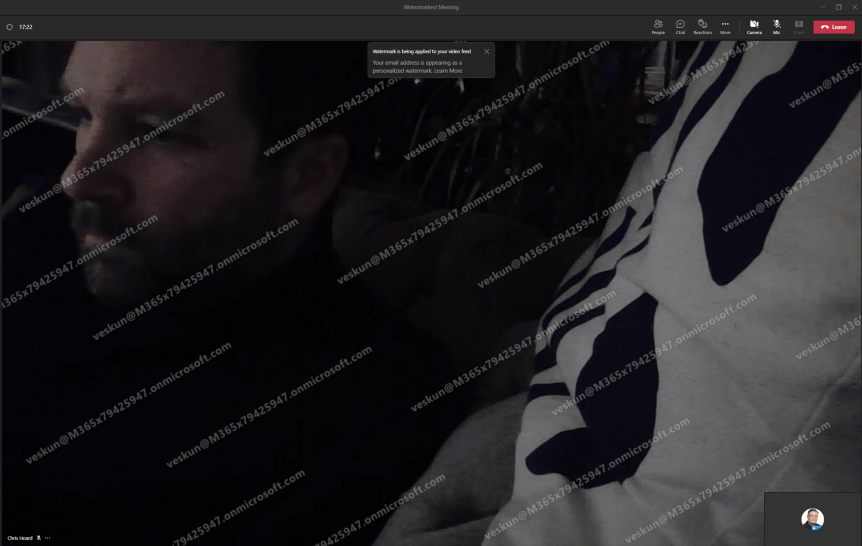
Meetings, like files, can contain sensitive information. Whether sharing video, or sharing screen content such as a PowerPoint presentation, the meeting organiser may wish to actively discourage data leakage, counterfeiting or plagiarism. Think of the following scenario: an attendee screenshots a PowerPoint slide whose intent is to leak that onto others even knowing that the content has been explicitly defined by the presenter as being under NDA. This is where watermarking fits in. A watermark, by definition, is an identifying image or pattern that appears as various shades of lightness/darkness when viewed by transmitted light. The process originated over 800 years ago and has been used for paper, stamps and currencies. In IT, it is defined as a piece of transparent text, image or logo, applied to an item, such as a file, an image, or a video. In Microsoft 365 watermarking can be used in Office apps, such as Word (via the Design Tab) or can be automatically applied to files via Sensitivity Labels. With the coming of Teams Premium, watermarking can now be used in Teams meetings for both video and shared content, and can be used in alignment with other Teams Premium functionalities such as Meeting Templates and Meeting Sensitivity Labels. This is awesome, and these functionalities will be explored in forthcoming blogs. But at the time of writing, there are some rules around watermarking which I would advise need to be known before going ahead and using it with confidence. This is a bit like when End to End Encryption (EE2E) was released. Firstly: if using watermarking, you cannot record. Not manually, not automatically whether that is sharing video or content. Secondly, it knocks out other meeting functionalities such as Together Mode, Large Gallery, PowerPoint Live and Content from Camera. This depends on what you watermark. Third, if watermarking is used, then it would be an audio experience only for web, VDI (so on AVD/Win 365) as well as anonymous and overflow participants and again this depends on the watermarking. Last - and the big one, the watermark itself displays the the email address of the meeting participant, not the presenter. I have already been asked why this is - and to be fair it makes a lot of sense. If somebody leaks your content, then it's not going to really identify who did that by having your details on it. If some screenshot gets out into the wild then it'll have their details stamped all over it, or it's going to cause them an incredible amount of difficulty to try and gloss over the watermarks. I am quite excited to try this out
12 features I would like to see land in Microsoft Teams in 2023

2022 went fast. This is the 4th year I have written this article but honestly? It feels like I wrote the last one yesterday. And here we are at the other side of the pandemic; in what still feels like turbulent times. In 2022 we've seen the Ukrainian-Russian conflict, it's terrible impact on millions of lives as well as its subsequent impact on the global economy. We've seen the growing political tension between China and the West. Natural disasters like the flood in Pakistan or more evidence of climate change - record breaking heatwaves and widespread wildfires such as the ones in Portugal or Spain over the summer. The overturning of abortion rights in Texas. Musk and Twitter. Iran. Afghanistan. It's easy to get caught up in the doom and gloom of it all. And occasionally we need to be reminded of the good things. In 2022 we are closer to fusion power than ever before. We have more people working in hybrid than ever before. As this nice article in Wired illustrates, there are numerous examples which don't always seem to grab so many headlines: in the US renewables generated more energy than nuclear and coal for the first time. There has been progress on the treatment of Alzheimer's. The successful test of the DART program to protect our planet against impact events. For people who worry about climate change, Scientific American reported that the global growth in renewables alone is estimated to have likely avoided 600 million tons in additional CO2 emissions, or slightly less than the 646 million tons of CO2 produced by Germany last year.
The End of an Era
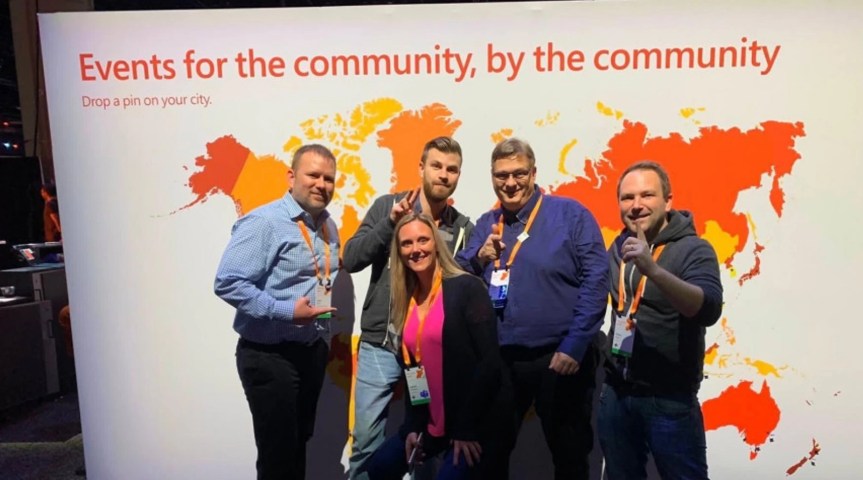
I would like to take the time to let you know that I have made the decision today to step down as an organiser and principal of Metaverse One. Metaverse One is the first 100% free, 100% community driven online conference dedicated to the Microsoft Metaverse, Mixed Reality, MR technologies, and extensibility options.
 @Microsoft365Pro