

Microsoft Teams was recently named a leader in the Gartner Magic Quadrant for Unified Communications for 2022 - and with good reason. Let's take a look at the stats: 80 million users of Teams Phone. 12 million users of PSTN. Calling Plans expanding from 28 to 34 countries, and a voice SLA now standing at 99.99%. Over the last year or two Microsoft has continued to introduce many new innovations to the calling service such as Operator Connect, Operator Connect Mobile, SIP Gateway, Survivable Branch Appliance, a new PSTN desk with integration into the Teams Admin Centre, as well as several useful features ranging from the customization of call parking, to surfacing end-user call routing in the TAC. Having recently attended Airlift, I can confirm there is so much cool stuff still to come. The journey is far from over. But being under NDA I have to suppress my excitement for a while longer. But in the meantime, I was interested to see that user controlled busy on busy has shipped into preview the past few days. But what is Busy on Busy? By definition Busy on Busy lets you configure how incoming calls are handled when a user is already in a call or meeting or has a call placed on hold. New or incoming calls - for VOIP or PSTN - can be rejected with a busy signal or can be routed accordingly to the user's unanswered settings. Up until now - since Busy on Busy was introduced, this functionality has been set by the administrator, but the user can now decide for themselves how the incoming call is handled - or periodically change that on the fly.
Tag: Microsoft Teams Calling
Teams: #FightCorona – How can I call other people?
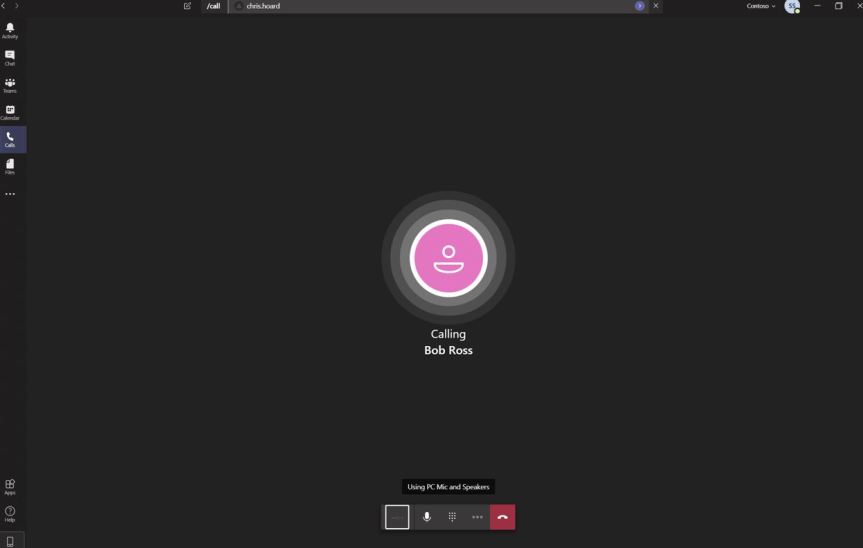
Like chat and meetings, calling is one of the core functionalities of Teams. It is important to understand that Teams supports two types of calling. The first, out of the box, is the ability for you to make and receive voice over IP (VoIP) calls from Teams client to Teams client over the internet. If you - and the person you are calling - use Teams and are connected to the internet over a wi-fi or wired connection - it will work. The second - and which needs add-on licencing - is the ability to make, receive, and transfer calls to and from landlines and mobile phones which use the public switched telephone network (PSTN). Think of this as you - from your Teams client - calling someone who is walking down the street using a mobile phone, or calling someone's physical phone in their home. Let's jump straight in and explore how we can call people
 @Microsoft365Pro