
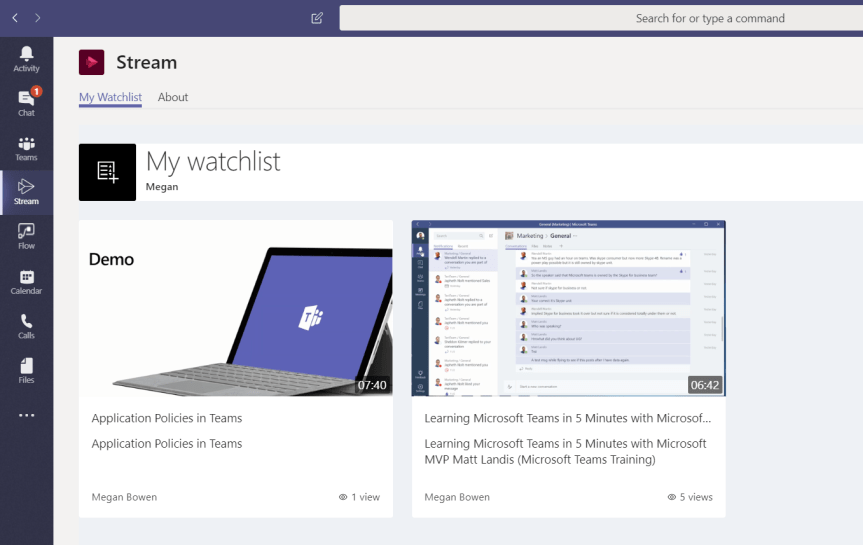
A few months ago, we looked at setting up a video channel for the Team. Integration between Teams and Stream is powerful - and another way we can leverage this is to promote on-demand video watchlists for individual members. Scenarios where this may be effective include personalised learning, self-paced development, or to have those assets readily to hand for either demo purposes, or to play and share with others during a meeting. Accessible videos makes it more likely that they will be utilised and valued as assets. It's also a great solution if our Team members are members of several teams which means they can harvest assets from other Teams which colleagues may not yet be part of
Author: microsoft365pro
Teams Real Simple with Pictures: Sharing Websites/Scans with the Team on the Go with the Edge, OneDrive and Teams apps

Many years ago - when I was a secondary school teacher, I always used to see great stuff on websites or articles in books which I thought could benefit other members of the team. With websites it was always slow and cumbersome having to copy and paste the URL of the site, stick that in an email then add the other members of the team one by one from the address book. With articles in books it was even more hassle and usually involved a photocopier or a scanner - often to much expense. Ultimately, I wanted something quick, cheap and easy to get that information to them that took zero time without having to think about it too much. This is what I love about Microsoft apps - how they work together to make things easy to do. I like advanced - I do - but I will be honest with you, I love real simple stuff which is intuitive and saves time and money. On IoS, between the EDGE app, the OneDrive App and Teams we can get websites and articles from books or slide decks to the Team in seconds and minutes. So the next time you are reading something interesting - a Tech Community article or a Blog - or at a conference and see that killer slide, or reading a book and want to share it with the team, remember it doesn't take a lot to get that into a channel where the whole Team can benefit from it

Twelve must-see Teams community speaker sessions at Microsoft Ignite 2019
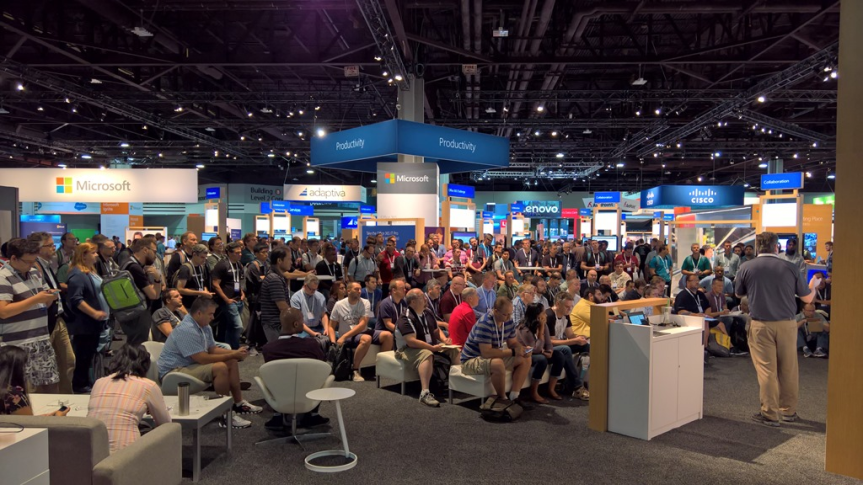
Microsoft Ignite is almost here! The big event! I have the unbelievable privilege of speaking this year after MCT's were permitted to apply - but I will also find some time to attend sessions, kick back and learn as much as I can about Microsoft Teams. Like most of us, I love learning. I love sessions. I love others perspectives and seeing their passion play out on stage. A lot of the Microsoft Teams sessions will be done by Microsoft - but there are also many done by exemplary and deeply passionate community speakers. I personally know or have seen a number of them and I can assure you they bring their A game every time. So I have picked out fifteen must-see sessions and chances are you will meet me there in the front row - or very close to it as I imagine demand is going to be through the roof for them!
MVP – Thanks and Acknowledgements
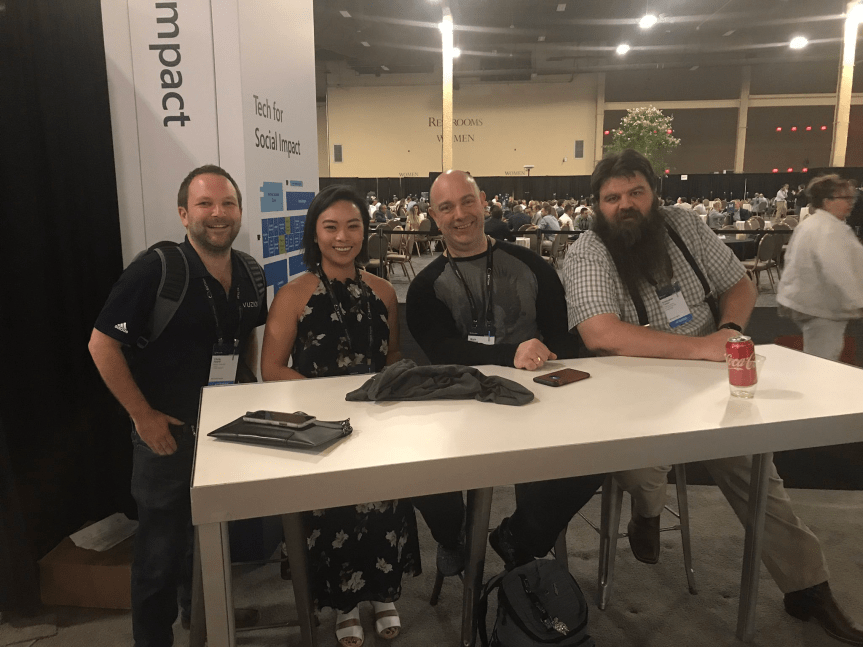
I wanted to take the time to thank and acknowledge the many people who have helped me on my journey towards the MVP award. I simply could not have done it without you
 @Microsoft365Pro