
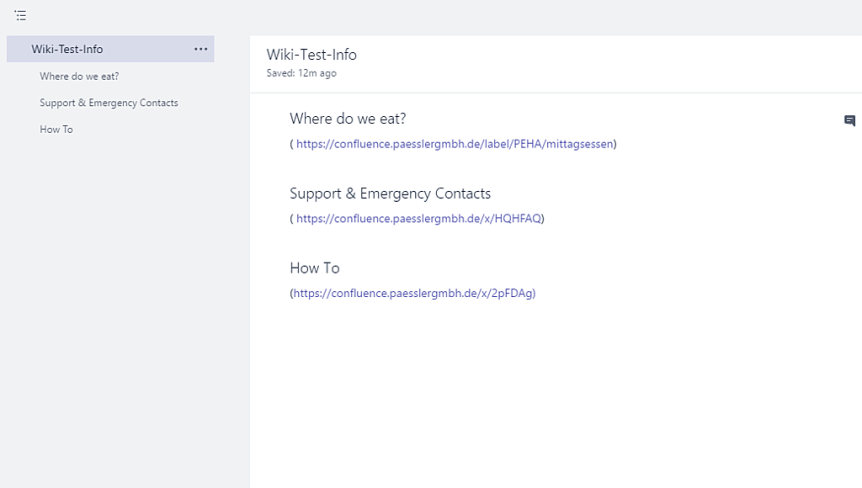
A set of common links (I.e. https://teams.microsoft.com/start) can be important for a team. Whether to access training, vendor sites, or even files within a channel it democratizes access to information, makes information more readily available and brings it to the users instead of them having to search for it. Yet with Teams there are different ways to create sets of links and each way has it's own pro's and con's. At the time of writing there is no single accepted way which has been recognized by the Tech Community as the best - so its a case of choosing which one is right for the Team. This will show you four potential methods to create a set of links.
Category: Microsoft 365
Teams Real Simple with Pictures – Controlling who can edit documents in a Channel

Document collaboration and co-authoring (when we work at the same time) is one of the core functionalities of Teams. We have the ability to do this seamlessly whether it is our Word Documents, or Excel Spreadsheets, or PowerPoint presentations, knowing that they are stored in a single place and are accessible from anywhere on any device. However, there may be times where there is a single owner for the Teams documents or we simply need to create documents for viewing purposes only, limiting other members of our team from making changes. Controlling documents in channels and who can edit them is very straightforward, and many issues resulting from unauthorized changes can be easily prevented
Teams Real Simple with Pictures – Setting up a Video Channel for the Team
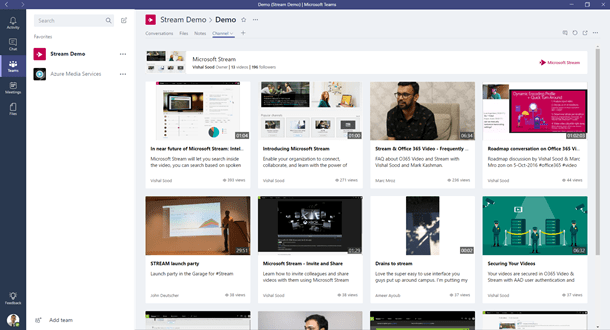
Teams is the collaboration hub for our needs. We can chat, we can share files and we can create wiki's to share our knowledge to the Team. Another way we can collaborate is with video. As a Microsoft Certified Trainer, I can add sites such as Pluralsight and Udemy as Web Tabs within the Team, but I can also build video channels with my own content and make this easily available. Creating channels are also effective in scenarios such as introductory videos, meetings and if I saw a great video on a site like YouTube, but don't want the team members to go specifically to that site. It's all about bringing the rich content to them.
Teams Real Simple with Pictures – Controlling who can create Teams
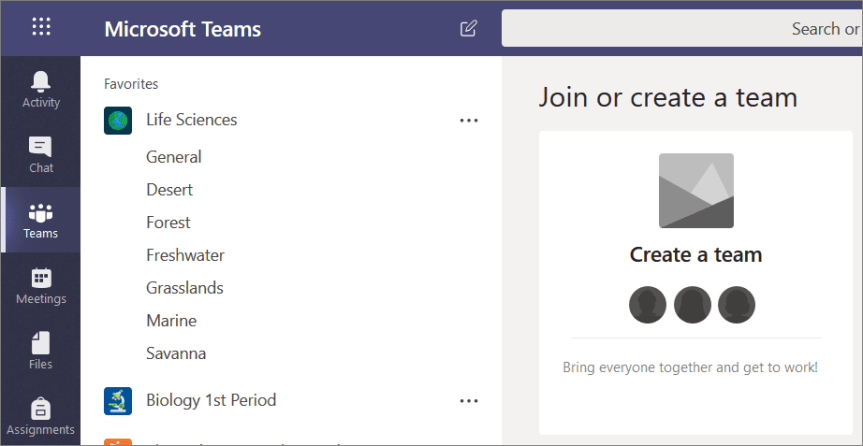
Controlling who can create Teams is based upon who can create Office 365 Groups. Whether this is right or wrong is a matter for debate and opinion - some believe this is necessary for reasons such as Teams sprawl; others believe it limits productivity, agility and pushes others back into the use of Shadow IT.
Microsoft 365: Messaging Administrator Certification Transition (MS-202) Exam Prep Guide

Mail is in the genes of the organisation I work for. To this day it still has one of the largest Hosted Exchange platforms in the country and some of the very best Exchange engineers in the business. I find these Exchange engineers - meaning those dedicated to Exchange management on a day to day basis, some of the most deeply passionate people I have met in all of IT. They love what they do - absolutely mad for it. I encourage anyone to talk to them about DAG's or SMTP Configuration, or TNEF, or Delegate Permissions, or Mailbox Protocols, or SmartHost integration, or Replay Queues, or RAID, or Jetstress or least cost routing paths.
 @Microsoft365Pro