

There are many scenarios when we would want to share a website with the Team: it could be when we are simply browsing and stumble across something valuable, it could be to show what a competitor is doing or provide a solution to the problem we are facing. Yet sharing that with the Team can be unproductive: for example, cutting and pasting the URL and then putting it into Teams. It may only take a minute but that could be several minutes a day, or an an hour or two a week. In addition, we risk throwing ourselves off track on the work we are doing by switching out of context. The Share to Teams Extension provides a good way to circumvent these issues in terms of not having to switch out of context and share without having to cut and paste the URL
Author: microsoft365pro
Teams Real Simple with Pictures: Quick Polls in Chats and Meetings using Forms
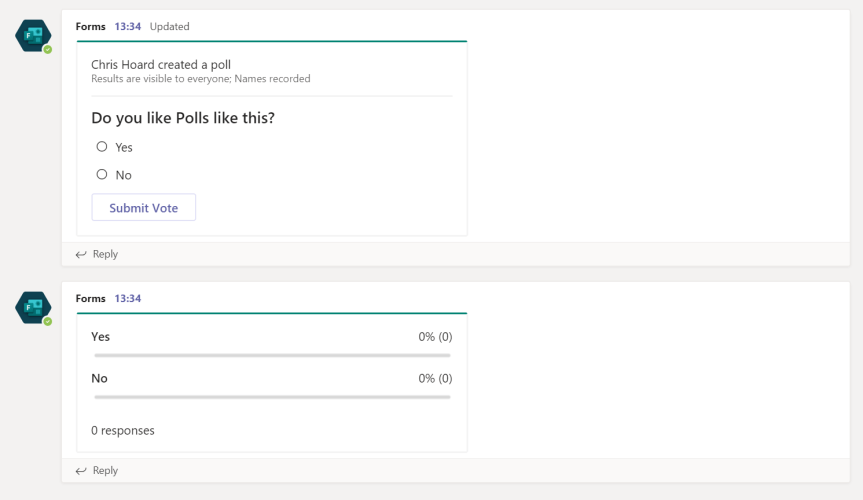
Like most people I know, Polly has been my go-to-app for polling in Teams. Why? Because it is easy to setup and Polls are effective in a number of collaboration scenarios - opinions, feedback, choice, sentiment. In a learning context, they are great for formative assessment and driving incremental improvements to the learning. However, imagine my surprise when I recently discovered that Forms can also do polls - something which I either missed in the absolute avalanche of new functionality which has come this year or which has always been there and which is an astounding oversight on my part. Either way, I'm a big advocate of Forms - I use it a ton and am enjoying seeing it mature. On it's current trajectory, I anticipate that it'll displace the use of Polly - particularly for people like me who almost always take Microsoft apps over third parties. Of course, whether it builds on the quick poll context outlined here - as in snap polls of a very simple nature - remains to be seen. You know me. I very much hope it does.
Teams Real Simple with Pictures: Using Sensitivity Labels to regulate the privacy and guest access of a Team
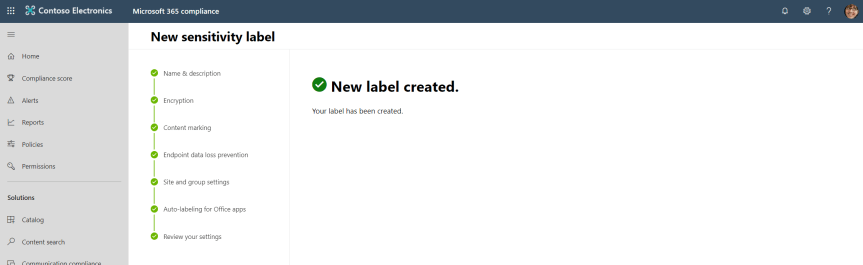
We have previously explored the implementation of DLP and Supervision policies to the Team. We will now look at applying Sensitivity Labels - currently in Public Preview. By definition, Sensitively Labels allow Teams admins to regulate access to sensitive organizational content created during collaboration within teams. In other words, it can keep Teams private (removing the ability to be set as public) and block Guests from being added. The best thing is that labels can be set at a tenant label and easily applied when creating the Team. It gives administrators so much more control over the Team in terms that users cannot simply join the Team and Owners cannot simply add guests which are not authorised to access it's content. It's another layer of protection which should be added in any Teams roll-out. It's also an answer for blocking guest access on a Team by Team basis: this works well if the creation of Teams are regulated.
Teams Real Simple with Pictures: Adding Video and Podcast Series for the Team using Teams, Forms and Stream

This blog is part of a series on Teams. For more articles, check back often. Written: 09/12/2019 | Updated: N/A Last week, we looked at video quizzes for the team. It was whilst making this blog that I started thinking about series. A series of instructional videos, a video subscription service, videos which are arranged … Continue reading Teams Real Simple with Pictures: Adding Video and Podcast Series for the Team using Teams, Forms and Stream
Teams Real Simple with Pictures: Video Quizzes for the Team using Teams, Forms and Stream
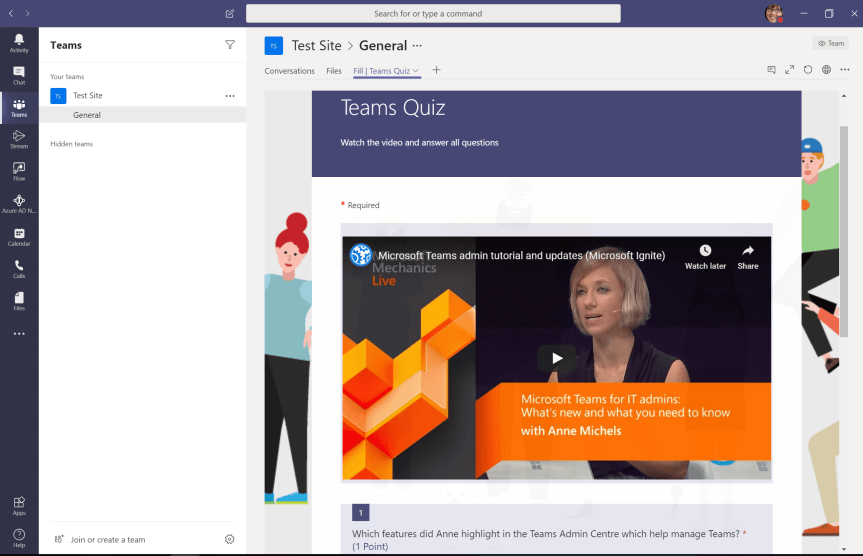
Some months ago, we looked at setting up a video channel for the Team. We then looked at pinning Stream to the Teams App Bar for personalised video watchlists as well as playing video in meetings which leveraged the shared system audio function. Today, we'll look at Stream Video Support and the ability to insert a Stream video into a form. This can be a YouTube video or an internal video. The ability to add video's to forms, and therefore, quizzes, makes formative assessment significantly richer and more valuable. From the managers or trainers perspective, it's not just about answering a simple set of multiple choice questions which recur in the same format - team members can be more rigorously tested to show mastery of the content where they must use higher order skills such as evaluation and synthesis in order to complete the quiz
 @Microsoft365Pro