
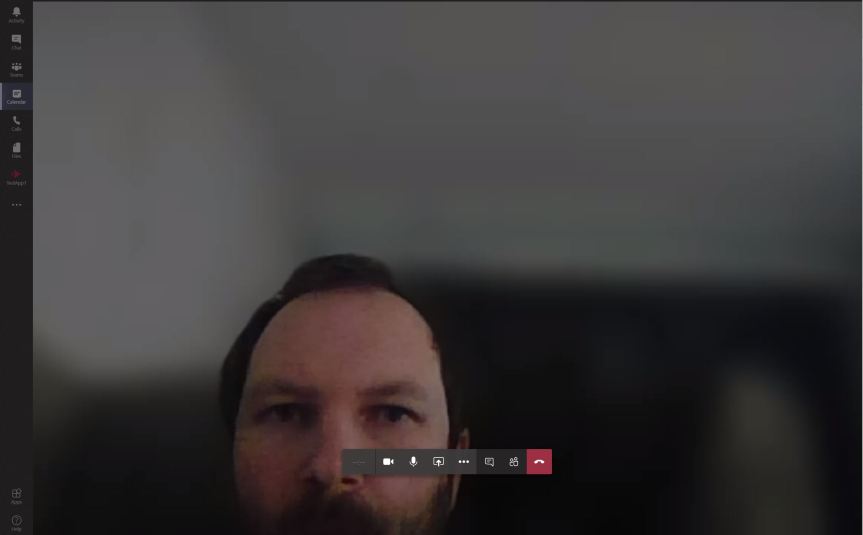
Background blur has been a feature that has always gone down well since it was first released back in 2018. Most people I speak to naturally think it was designed either for privacy or to delimit the risk of what could happen in the background - something Microsoft marketeers capitalised on as shown in this marketing video and the infamous case of the BBC News reporter. Background blur was actually designed as an accessibility feature so that deaf users could better lip read the speaker and phase out any visual distractions. It is very easy to implement when either joining or when you are within the meeting
Tag: Microsoft Teams Coronavirus
Teams: #FightCorona – Rescheduling and cancelling meetings
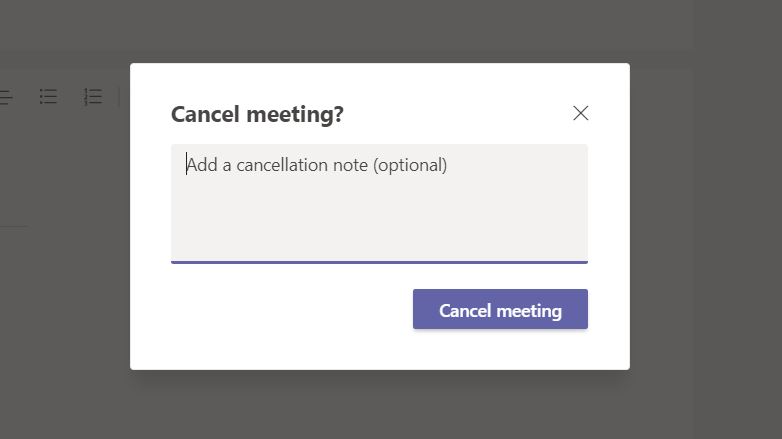
It happens to all of us. Sometimes we can't make it. Sometimes we have something that crops up meaning that we need to reschedule or cancel. Whilst this probably isn't going to be the most exciting article of this series, it is one that is both neccessary and fundamental regarding how we manage meetings in Teams
Teams: #FightCorona – How do I add an agenda prior to the meeting?
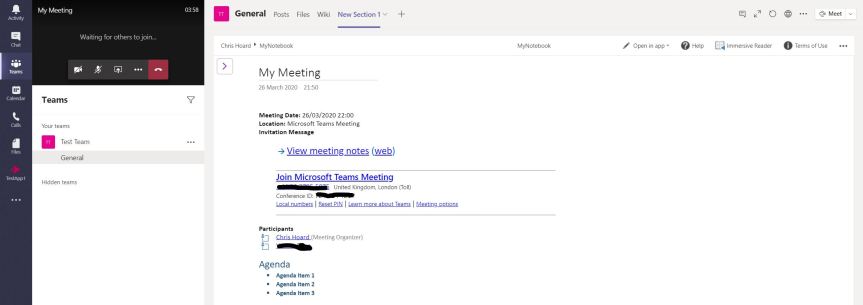
Having discussed the lobby, the next area we will look at is adding an agenda prior to the meeting. Agendas can help focus the meeting, keeping members on track and making them more productive. They help with a structure and a narrative. Of course, not all meetings or audiences warrant agendas, and they are not a mandatory part of the scheduling - so this is completely your decision on a meeting by meeting basis
Teams: #FightCorona – How do I turn the Meeting Lobby on or off?

We have covered scheduling it and joining the Teams Meeting, but before we can get into the meeting itself and explore all the good things we can do within it, we need to cover a few other topics first. Let's get to grips with the lobby.
Teams: #FightCorona – How do I join a meeting?
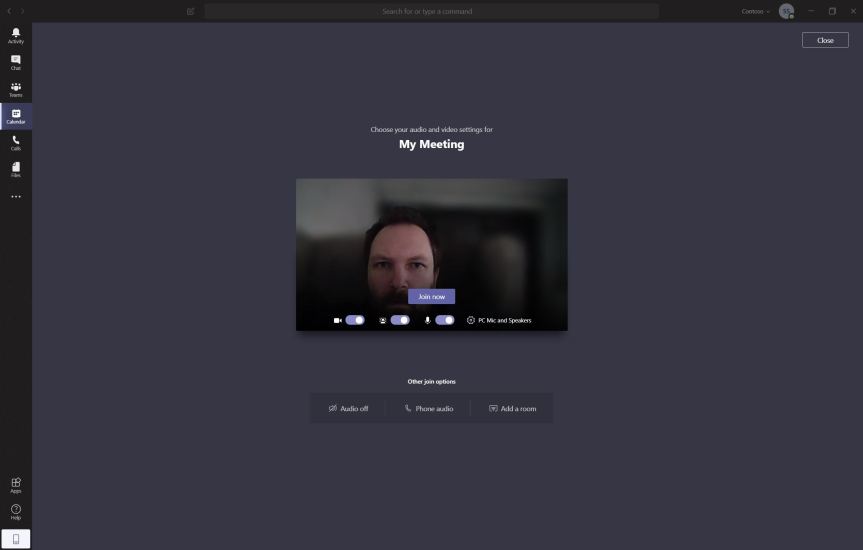
We have either scheduled our meeting or someone has sent us a meeting - but now we have to join it to get going
 @Microsoft365Pro