
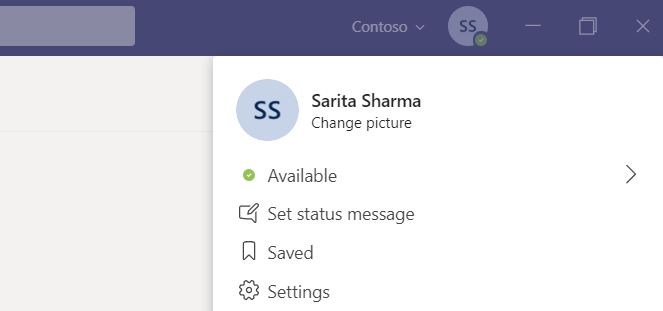
If we are working remotely, we need to know when we can contact others and when it is the right time to chat or place a call. We can't assume that because others aren't in the office they automatically have more time on their hands. We certainly don't want them to make that assumption about us. There are a number of features in Teams that can help with managing your availability and seeing others availability - the primary one being Presence
Author: microsoft365pro
Teams: #FightCorona – Mentions, Tags and Read Reciepts
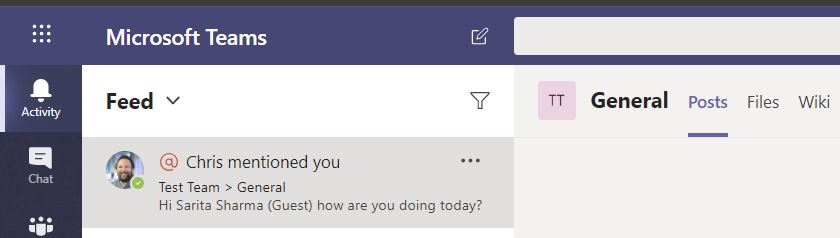
To finish our introduction to chat, we are going to cover three specific features that are good for every member of every team to know: mentions, tags and read receipts. The first two are examples of targeted communications. Targeted communication means finding an appropriate audience and ensuring that your message reaches them. Read receipts are confirmation that your message has been read
Teams: #FightCorona – Rich chat features for effective conversations

The last few blogs have set out the scene with regards to building your Teams, building your Channels and starting conversations with people both inside your organisation, and people outside your organisation (guests and external users). It's now time to enjoy some of the great chat features that are available in Teams - things like emoji's and meme's. Whilst some may not be to everybody's taste at first, it is important to embrace modern communication methods, diversity and be inclusive of how different people would like to communicate. For all those who don't particularly like gif's I would point out that the brain processes images 60,000 times faster than words so they are an excellent medium for transmitting information. The same applies to emoji's they emotionally resonate with others. Here's are just a fraction of the rich chat features available to you
Teams: #FightCorona – How do I chat with others outside of my organisation?
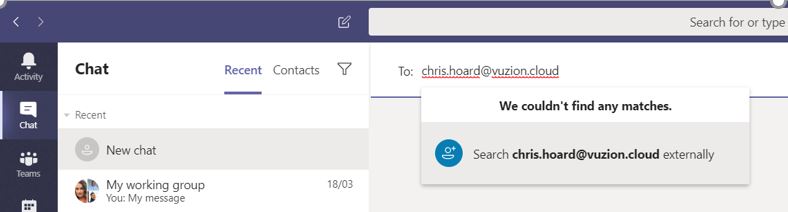
In the last blog, we created Teams, and Channels and we looked at the three ways to chat with other users in the organisation. However, this was within the organisation. Part of the magic of Teams is that it allows us to chat and work with people outside of the organisation too. Most people today work with people outside of their organisation - customers, suppliers, consultants, vendors, peers. It's therefore important to understand how we do it.
Teams: #FightCorona – How do I join or create a team? Create a channel? Start a chat?
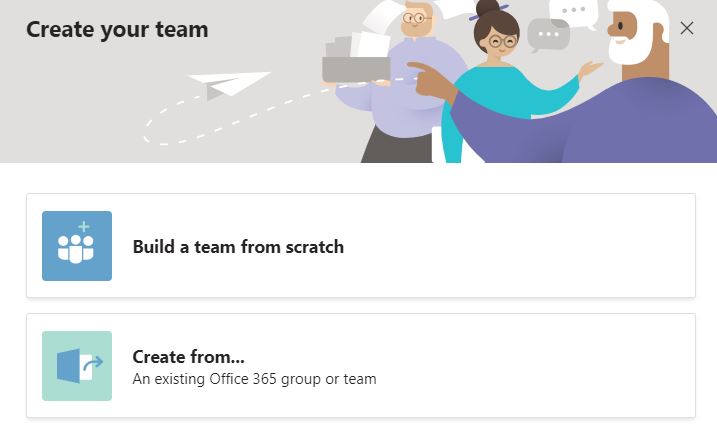
Now that you are orientated, it's time to get to hands on and get into some teamwork! The first place to start is creating Teams and joining other Teams - how can we even begin to work in Teams if we aren't even part of them right? We'll then move on to creating channels - those defined sections of a team where we can chat and collaborate with other members. We'll cap this blog with 3 ways we can start a chat with the team. Chat is considered to be the core experience of Teams - and what most of us love doing!
 @Microsoft365Pro